Adding Google Gemini to a React App: A Practical Guide with Code
How to plug Google Gemini into a real React app — streaming, tool use, cost controls, and the security pitfalls we see most often.
Why Gemini, and why streaming?
We build a lot of AI features for clients. For consumer-facing chat and content generation, Google Gemini now hits the sweet spot on price / quality / latency, especially the gemini-2.5-flash class of models.
The demo on this site — our AI Project Architect — is literally a streamed Gemini chat. Here's how to build the same thing in your own app.
Install
npm install @google/genai
Server-side vs client-side
Do not ship your Gemini API key to the browser. You have two clean options:
- Server proxy (recommended for production): Your React app calls a tiny endpoint (
/api/chat) that holds the key and forwards to Gemini. - Firebase AI proxy via App Check if you want to stay fully serverless.
For prototyping only, you can use a Vite define to inject a dev key — but treat it as a leaky demo-only pattern.
Streaming example (client code)
import { GoogleGenAI } from '@google/genai';

const genai = new GoogleGenAI({ apiKey: import.meta.env.VITE_GEMINI_KEY });

export async function* streamReply(prompt: string) {
  const response = await genai.models.generateContentStream({
    model: 'gemini-2.5-flash',
    contents: [{ role: 'user', parts: [{ text: prompt }] }],
  });
  for await (const chunk of response) {
    yield chunk.text;
  }
}
On the React side, append chunks to a message state object and set an isStreaming flag so you can render a caret indicator until the stream closes.
Cost controls
Three knobs most teams miss:
maxOutputTokens— cap it. A runaway answer can cost 20× a sensible one.- System prompt reuse — keep system prompts short and cache them. Token cost scales with input too.
- Response caching on the server — if 30% of users ask similar things, hash the prompt and cache the answer for an hour.
Rate limiting abuse
Anytime an AI feature is exposed unauthenticated (like ours is), you need:
- Per-IP rate limits at the edge (Cloud Run has no native limit; use Cloud Armor or a Cloudflare Worker).
- Content moderation via Gemini's own safety settings for user-generated input.
- Budget alerts in GCP. Set one. Then lower it.
When not to use Gemini
If your workload is mostly agentic tool use (multi-step reasoning with function calls), Claude Sonnet or GPT-class models are still stronger today. Gemini shines for long-context summarization and multimodal (image, audio, video) tasks.
Shipping
The hardest part of production AI features is not the API call — it's the observability, the safety, the cost cap, and the fallback behavior when the provider has a partial outage. We've shipped this pattern for clients in fintech, logistics, and ed-tech. Tell us your use case and we'll sketch the architecture.
Our team ships this exact work for clients every week.
We cover AI & Machine Learning, and Web Applications. LLMs, predictive models, and AI automation.
Related reading
Building an AI Consultant Chatbot with Gemini — Lessons from Shipping One
A case study of the very chatbot on this site: architecture, prompt strategy, cost, and the surprising things real users type into it.
Production RAG Frameworks Level Up: Durable Workflows, Better Parsing, and Cross-Platform Agents
Five major framework releases this month solve critical production gaps for RAG: durable execution, parsing benchmarks, and multi-agent orchestration across .NET, Python, and TypeScript.
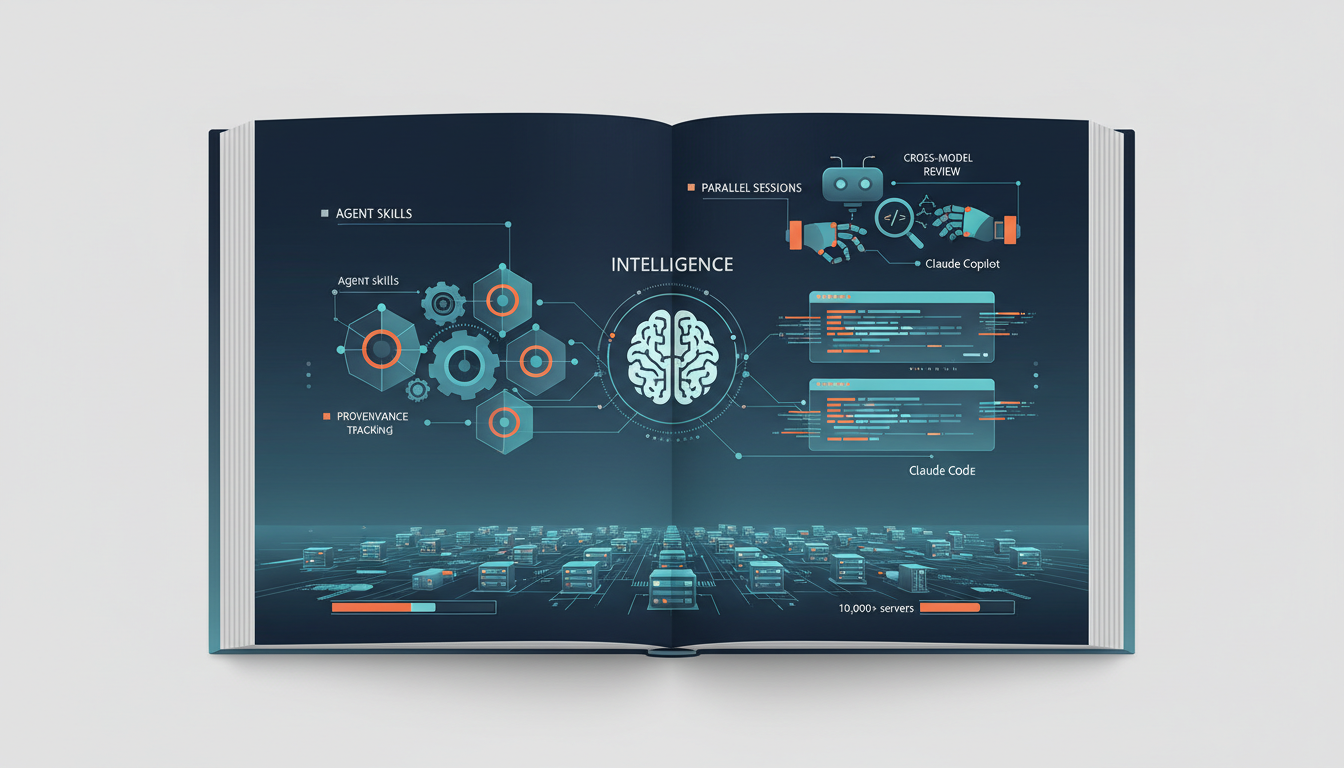
AI Code Assistants Go Infrastructure-Grade: Skills, Sessions, and Standards
GitHub ships portable agent skills with provenance tracking, Anthropic rebuilds Claude Code for parallel sessions, GitHub Copilot adds cross-model review, and MCP hits 10,000+ servers.